SOLDES
Jusqu'à -70% sur une sélection d'articles*

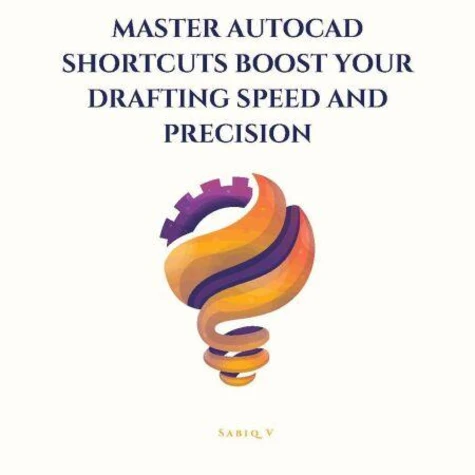
Master AutoCAD Shortcuts Boost Your Drafting Speed and Precision /The Ultimate Guide to Faster, Smarter Drafting in AutoCAD
Par :Formats :
Disponible dans votre compte client Decitre ou Furet du Nord dès validation de votre commande. Le format ePub est :
- Compatible avec une lecture sur My Vivlio (smartphone, tablette, ordinateur)
- Compatible avec une lecture sur liseuses Vivlio
- Pour les liseuses autres que Vivlio, vous devez utiliser le logiciel Adobe Digital Edition. Non compatible avec la lecture sur les liseuses Kindle, Remarkable et Sony
 , qui est-ce ?
Notre partenaire de plateforme de lecture numérique où vous retrouverez l'ensemble de vos ebooks gratuitement
Pour en savoir plus sur nos ebooks, consultez notre aide en ligne ici
C'est si simple ! Lisez votre ebook avec l'app Vivlio sur votre tablette, mobile ou ordinateur :

- FormatePub
- ISBN8232307028
- EAN9798232307028
- Date de parution09/10/2025
- Protection num.pas de protection
- Infos supplémentairesepub
- ÉditeurDraft2Digital
Résumé
In the world of design and drafting, speed and accuracy are everything-and mastering AutoCAD shortcuts is the fastest way to level up your skills. Master AutoCAD Shortcuts is your ultimate guide to working smarter, not harder. Whether you're a beginner learning the ropes or a seasoned professional aiming to sharpen your edge, this book will teach you how to harness the power of shortcuts to dramatically improve your drafting workflow.
From navigating the interface and using essential drawing tools to advanced editing commands, layer management, block usage, annotation tricks, and custom automation, each chapter breaks down practical keyboard shortcuts and techniques to help you save time and reduce errors. You'll also explore how to personalize your workspace, create custom commands, and use macros and scripts to automate repetitive tasks.
What You'll Learn: The most essential shortcuts for drawing, modifying, and navigating quickly Selection strategies that reduce clicks and increase precision How to speed up layer, annotation, and block management Customization tips using the Alias Editor and CUI Advanced techniques like macros, scripts, and 3D drafting commands This is more than just a list of commands-it's a powerful productivity manual designed to transform how you work in AutoCAD.
With hands-on tips and real-world examples, you'll be drafting like a pro in no time. Boost your speed. Elevate your precision. Master the shortcuts.
From navigating the interface and using essential drawing tools to advanced editing commands, layer management, block usage, annotation tricks, and custom automation, each chapter breaks down practical keyboard shortcuts and techniques to help you save time and reduce errors. You'll also explore how to personalize your workspace, create custom commands, and use macros and scripts to automate repetitive tasks.
What You'll Learn: The most essential shortcuts for drawing, modifying, and navigating quickly Selection strategies that reduce clicks and increase precision How to speed up layer, annotation, and block management Customization tips using the Alias Editor and CUI Advanced techniques like macros, scripts, and 3D drafting commands This is more than just a list of commands-it's a powerful productivity manual designed to transform how you work in AutoCAD.
With hands-on tips and real-world examples, you'll be drafting like a pro in no time. Boost your speed. Elevate your precision. Master the shortcuts.
A propos de Sabiq V



1,99 €

1,99 €

1,99 €